.png)
 4 hours ago
2
4 hours ago
2
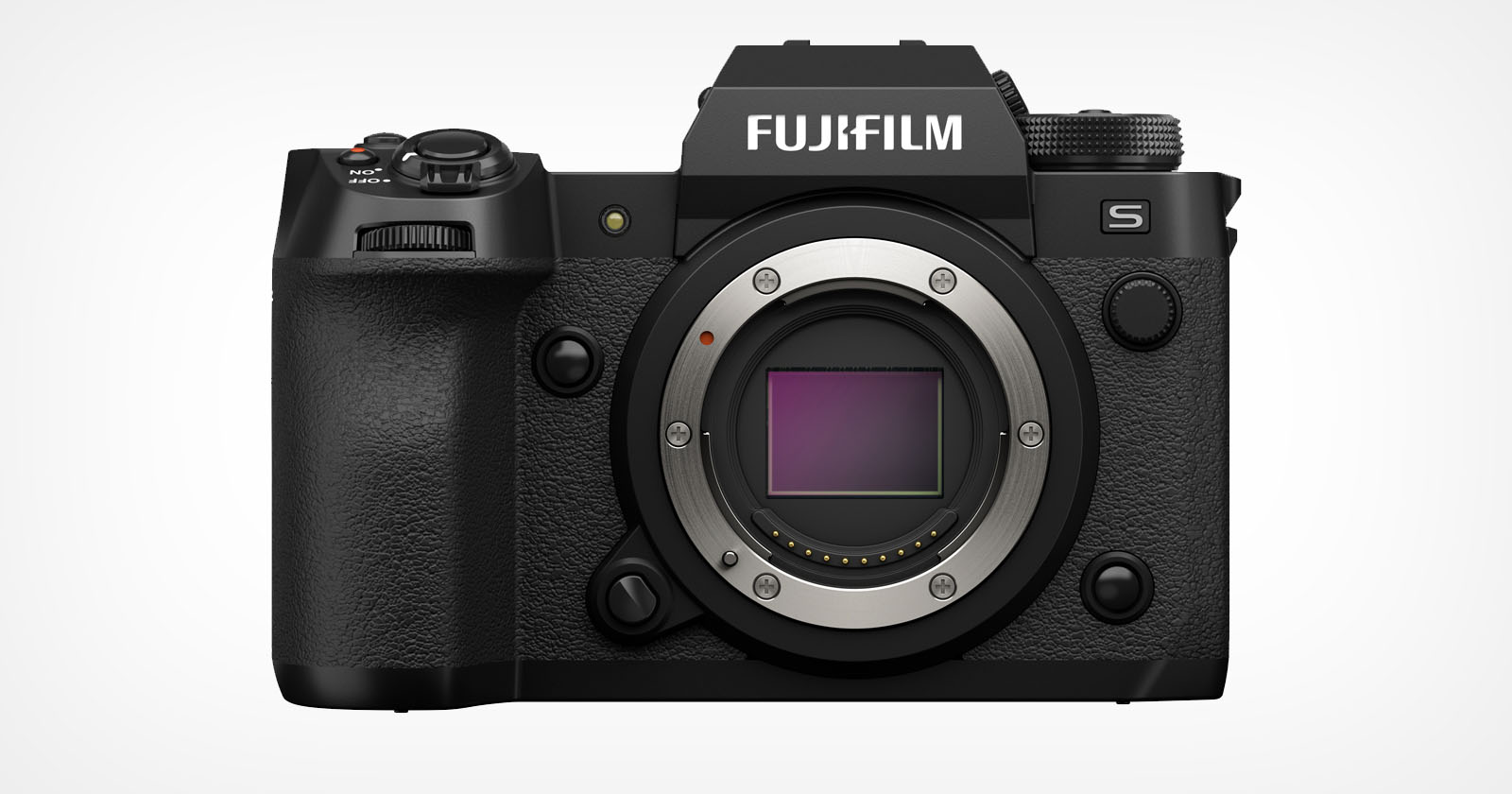
You are paying a $2,000 premium for buttons you will never press. Modern flagships are genuine marvels of engineering. These cameras represent the absolute pinnacle of what decades of imaging technology can achieve, packed into weather-sealed magnesium alloy bodies that can survive conditions most of us will never encounter. They are fast, precise, and loaded with capabilities that would have seemed like science fiction just ten years ago. They are also, for the vast majority of photographers, spectacular overkill.
Marketing departments have become exceptionally skilled at selling specifications as universal necessities. Every new flagship announcement comes with a breathless list of features designed to make your current camera feel inadequate. Ethernet connectivity! Pixel shift technology! Frame rates that sound like refresh rates on gaming monitors! The implication is always the same: serious photographers need these capabilities, and if you do not have them, you are somehow leaving performance on the table. But here is the uncomfortable truth that camera companies would prefer you not examine too closely. These features are designed for an extraordinarily specific subset of working professionals, the kind who shoot Olympic swimming finals, document active war zones, or spend their Sundays on NFL sidelines with credentials around their necks. For the remaining 99% of us, these flagship features represent little more than expensive menu clutter and buttons we will accidentally press once before disabling them forever.
Before you drop $6,500 on a camera body because the spec sheet made your pulse quicken, let us examine five flagship features that sound transformative in press releases but deliver almost zero practical value for typical photographic work.
1. The Ethernet Port (and FTP Transfer)
The marketing pitch for built-in Ethernet connectivity is seductive in its simplicity: transfer your images instantly at gigabit speeds, wire your camera directly into professional workflows, and never wait for wireless transfers again. Camera manufacturers show diagrams of seamless connectivity, with arrows flowing from camera to network to editor to publication in what appears to be an effortless digital pipeline. It sounds like the future of professional photography.
The reality is considerably less glamorous. Unless you are sitting courtside at the NBA Finals, physically tethered to a laptop that is simultaneously connected to a Getty Images server where an editor is waiting in real time to receive your JPEGs the moment LeBron dunks, you will never once plug a cable into your camera. The Ethernet port and its accompanying FTP transfer capabilities represent a networking stack that sits entirely dormant in the bodies of 99.9% of cameras that include this feature. You are paying for enterprise-grade connectivity while using an SD card reader like every other normal person on the planet.
The workflow that justifies Ethernet connectivity is extraordinarily narrow. It exists for photographers who work at major sporting events and news organizations where images must move from camera to publication within seconds, not minutes. These photographers often have dedicated technicians managing their network connections and file transfers. They have credentials, assigned positions, and workflows developed over years of high-pressure deadline shooting. They also represent a tiny fraction of one percent of the people buying flagship cameras. For everyone else, the Ethernet port is a rubber-capped socket that will never see a cable, a solution in search of a problem that simply does not exist in normal photographic life. You will continue to pop out your memory card, slide it into a reader, and import your photos exactly as you have done for the past fifteen years, while that gigabit-capable port gathers dust beneath its weather-sealed cover.
2. Pixel Shift Multi-Shot (the Mythical 400 MP Mode)
Pixel shift technology sounds like a cheat code for medium format resolution. The premise is elegant: the camera takes multiple exposures while shifting the sensor by tiny increments, then combines those frames into a single image with dramatically higher resolution and color accuracy. Your 45 MP sensor transforms into a 200 MP monster. Marketing materials show jaw-dropping detail comparisons where individual fabric threads and skin pores emerge from what would otherwise be smooth, interpolated pixels. For landscape photographers who dream of billboard-sized prints, it seems like the ultimate capability.
Then you try to actually use it, and the dream collides violently with reality. Pixel shift technology requires conditions so specific that they essentially never exist in real-world photography. You need a tripod so stable that it would satisfy a seismologist. The subject must remain absolutely, perfectly, completely still throughout the entire capture sequence. The ambient environment must be free of vibrations. If a leaf moves in the breeze, the merge often fails. If a cloud shifts and changes the lighting, the merge often fails. If a truck drives by on a road a hundred meters away and transmits micro-vibrations through the ground, the merge often fails. The technology works beautifully in laboratory conditions but rarely elsewhere.
This is fundamentally a museum archival tool masquerading as a photography feature. It serves conservators documenting paintings in climate-controlled galleries where nothing moves except the clock on the wall. For portraits, it is worthless because humans breathe and shift imperceptibly. For landscapes, it requires the kind of dead-calm conditions that exist for perhaps a handful of minutes per month in most locations. You are paying for a capability that demands such restrictive conditions that most photographers will attempt it once, fight with the software, produce a partially corrupted 200 MP image with strange artifacts, and never open that menu option again.
3. 120 FPS Burst Mode
The spec sheet promise of 120 frames per second sounds like the ultimate insurance policy against missed moments. How could you possibly fail to capture the decisive instant when your camera is recording reality at a rate that would make a slow-motion cinematographer jealous? The marketing practically writes itself: never miss the peak of action, capture every micro-expression, freeze time itself with frame rates that exceed human perception. It sounds like the end of photographic regret.
Then you actually shoot a sequence at 120 frames per second, import the results, and discover you have created a data management crisis that will haunt you for hours. Have you ever tried to cull 120 photographs of the exact same split-second of action? The differences between adjacent frames are measured in milliseconds, which means you are squinting at what appear to be identical images, trying to determine if frame 47 or frame 48 has a slightly better expression or slightly sharper focus. It is the culling experience from hell, a joyless slog through near-duplicate images that will make you question your career choices.
The practical problems compound quickly. At 120 FPS, you fill your camera's buffer in approximately two seconds of continuous shooting. Those two seconds then require dozens of minutes of sorting to extract the handful of usable frames. Your memory cards fill at alarming rates. Your storage costs multiply. Your catalog bloats with thousands of images that differ by fractions of a moment. Meanwhile, photographers shooting at a perfectly reasonable 20 frames per second are capturing the same moments with a fraction of the files and none of the selection paralysis. Twenty FPS is genuinely plenty for virtually any action photography scenario, from sports to wildlife to street photography. One hundred twenty FPS is not a feature; it is a trap that exchanges one type of failure, missed moments, for a far more insidious one, drowning in nearly identical captures while your editing backlog grows beyond all hope of recovery.
4. 8K Video Recording
The promise of 8K video is built entirely on the concept of future-proofing. Shoot in 8K today, the marketing suggests, and your footage will remain relevant as display technology evolves. You will have unprecedented flexibility for cropping and reframing. Your work will look stunning on the massive screens of tomorrow. It sounds like a wise investment in longevity, the video equivalent of buying quality gear that holds its value.
The reality is that 8K video creates problems that most photographers and videographers are simply not equipped to solve. The first question is whether you have a computer capable of editing it. We are not talking about a reasonably powerful laptop here. Editing 8K footage smoothly requires workstations with specifications that cost more than the camera that recorded the footage. The second question is storage: 8K files are enormous, demanding terabytes of fast SSD space just to hold a single project. The third and most important question is delivery: does your client have an 8K display to watch the final product? Does anyone? The honest answer, at least as of now, is almost certainly no.
The thermodynamic problems are equally significant. Cameras recording 8K video generate tremendous heat, often limiting recording times to short windows before the camera forces a shutdown to protect itself. You are fighting physics to capture footage that will ultimately be downsampled to 4K for YouTube delivery or 1080p for social media distribution. The entire 8K pipeline, from capture through editing to storage to delivery, is a chain of compromises and expenses that lead to a final product visually indistinguishable from 4K for 99% of viewing situations. 8K is not future-proofing. It is a flex, a spec-sheet number designed to win comparison charts rather than solve actual production challenges. The professionals who genuinely need 8K, primarily high-end commercial productions with dedicated post-production facilities, are not buying mirrorless cameras to shoot it.
5. Voice Memo Recording
Somewhere in your flagship camera's menu system, there is an option to record audio notes that attach to your image files. The concept is simple: press a button, speak your thoughts, and have those voice memos travel with your photographs through import and cataloging. It sounds like a useful feature for capturing information in the field when you cannot stop to type notes.
The use case for this feature is extraordinarily specific: photojournalists working in chaotic situations who need to record the correct spelling of a diplomat's name, the precise location of a breaking news scene, or contextual information that will be vital for captioning when they are back on deadline. For these photographers, voice memos are genuinely valuable, allowing them to document information without breaking from shooting. They represent an elegant solution to a real problem faced by working press photographers in demanding situations.
For the rest of us, including wedding photographers, portrait photographers, landscape photographers, and enthusiastic hobbyists, the voice memo function is a button that you will accidentally hit exactly once. You will be reviewing images on the rear LCD, your thumb will find an unfamiliar button, and suddenly a recording icon will appear. You will spend fifteen confused seconds wondering what you have done before figuring out how to stop the recording. Later, you will encounter that orphaned voice memo during import and wonder why your photo software is showing you an audio file. You will play it, hear yourself breathing and muttering in confusion, and delete it. Then you will search the menu to disable this feature so it never happens again. For the overwhelming majority of photographic applications, voice memos are a solution to a problem you do not have, occupying button real estate and menu space that could be devoted to functions you would actually use.
The Bottom Line
The pattern across all these features is consistent: flagship cameras are designed for edge cases. They are built to perform in circumstances that most photographers will never encounter, solving problems that emerge only in the most demanding professional contexts. There is nothing wrong with these features existing. Sports photographers genuinely need Ethernet connectivity. Archivists genuinely benefit from pixel shift technology. News organizations genuinely require voice memo capabilities. The issue is not that these features are bad. It is that they are irrelevant for typical use.
The camera industry has trained us to evaluate bodies by their ceiling, by the most extreme capabilities they offer, rather than by the floor, the baseline experience that defines our daily shooting. A camera that excels at the 99% of photography you actually do will serve you far better than a camera loaded with capabilities designed for the 1% you might theoretically attempt someday. That "someday" almost never arrives. Instead, you carry extra weight, navigate cluttered menus, and pay a premium that could have funded lenses, lighting, or trips to actually use your gear.
Do not buy a camera for the features you might use in imaginary future scenarios. Buy the camera that nails everything you need today. Let the Olympic photographers have their Ethernet ports and 120 FPS buffers. You will be just fine without them.
If you want to invest your money more wisely, consider spending it on education instead of extra megapixels you will never use. Fstoppers offers The Well-Rounded Photographer, where eight instructors teach eight genres of photography, helping you master the fundamentals that actually matter regardless of what camera body you own.




 English (US) ·