.png)
 2 hours ago
3
2 hours ago
3
There’s something undeniably satisfying about holding a physical print, a notion that hasn't disappeared as the world has gone digital. The Canon IVY mini photo printer delivers a portable way to turn your favorite digital images into prints, stickers, and more. I’ve been testing this palm-sized printer for the past few weeks, and it’s become far more fun and useful than I originally expected.
What Is the Canon IVY Printer?
The Canon Canon IVY Mini Photo Printer is a compact, Bluetooth-connected photo printer that slips into your bag or even a large pocket. It prints 2" × 3" photos straight from your phone using the free Canon Mini Print app. It’s designed for social snaps, everyday moments, creative projects, and memory-making on the go.
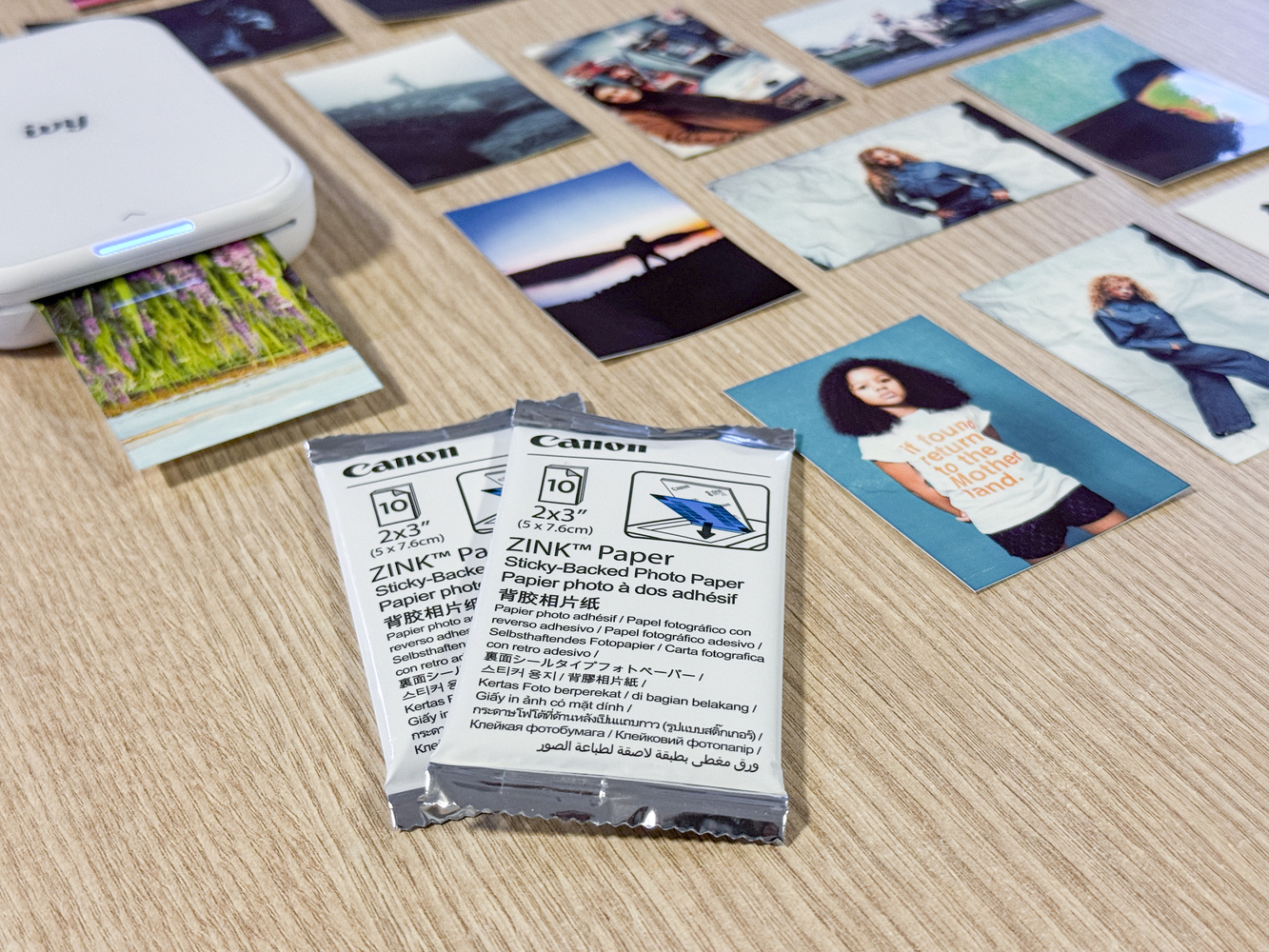
Unlike traditional inkjet or laser printers, it uses ZINK® (Zero Ink) technology, which is a heat-activated process embedded in the paper itself, so there are no costly ink cartridges to replace. The special ZINK paper contains cyan, magenta, and yellow dye crystals that the printer selectively heats to form a full-color image. With no ink to deal with, the prints come out dry and ready to use.
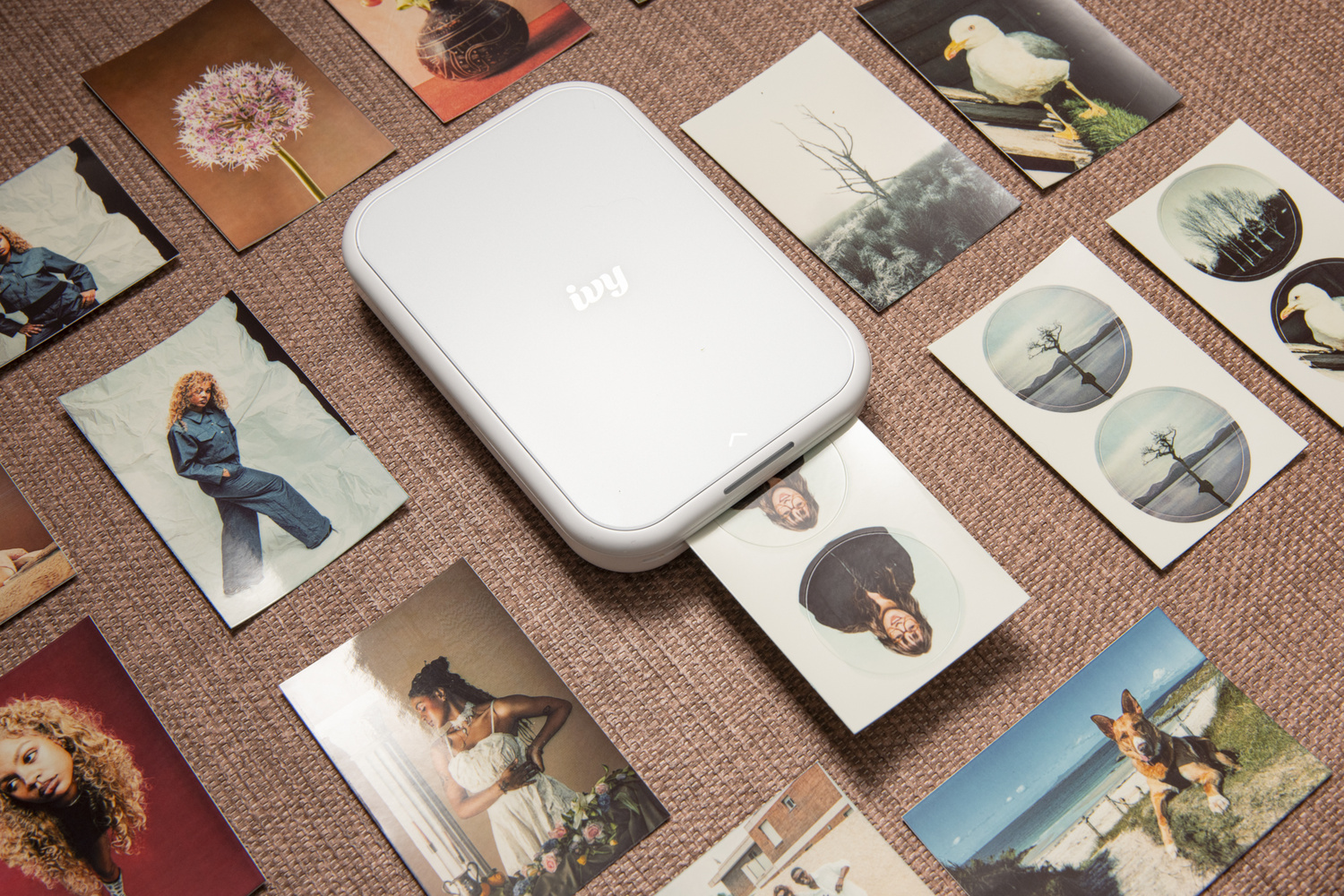
Design and Portability
Just larger than a smartphone, roughly 4.7″ × 3.3″ × 0.8″ and weighing about 180 g, the IVY is very portable. It’s light, minimalistic, and ready to join you for travel, events, and everyday outings without weighing you down.
The build is straightforward, too: there is a power button, a top-loading slot for paper, and a pair of LED indicators for print status and charging. It feels solid in the hand, though its simplicity means there are no advanced onboard controls. Everything happens via the app.
Print Quality and Output
Canon’s IVY produces 2” × 3” borderless prints with a native resolution of up to 313 × 512 dpi, which is more than enough for such a small printer. The prints are smudge-proof, water-resistant, and come with an optional peel-and-stick backing, making them perfect for journals, scrapbooks, or, perhaps, like me, decorating your MacBook.
A distinctive part of the IVY’s character is its color profile: prints tend to have a high-contrast look with a color palette that leans toward cool cyan tones. For many, this vintage-leaning output will be part of the charm, as it transforms your photos in a playful and artistic way. The printer doesn’t handle low-light images particularly well, as you lose some of the more subtle detail.
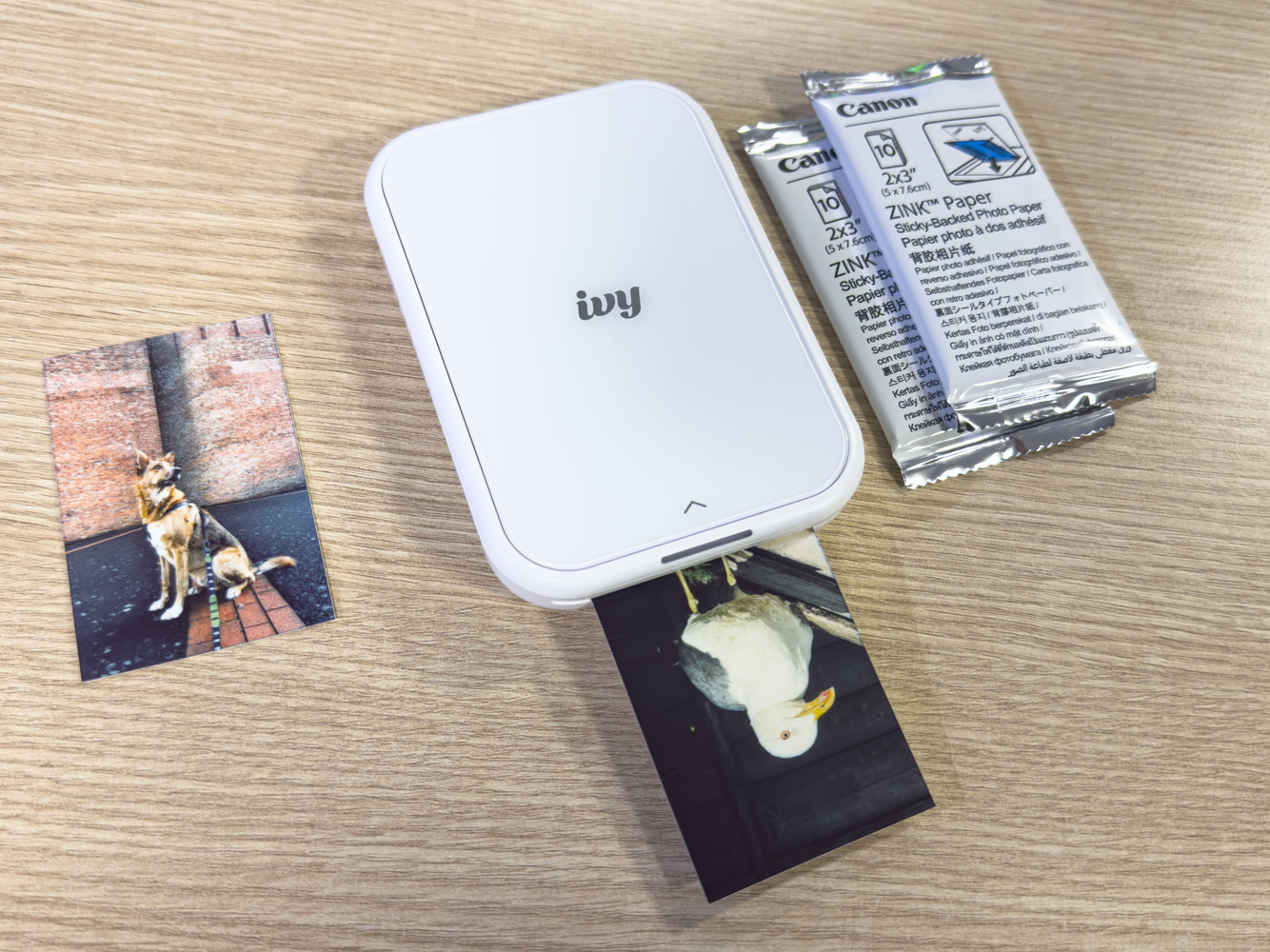
Everyday Use and App Features
As most will be used to by now with app-controlled devices, the Canon IVY printer is controlled via Bluetooth through your iOS or Android device. Once paired, you simply select images from your camera roll and add them to the print queue. You can select a maximum of 10 photos at once, though you can have far more sitting in the print queue. The app also lets you add fun frames, text, filters, and basic edits, which makes it great for personalized gifts, fun with the kids, or creative projects.
Connectivity and Reliability
For the most part, Bluetooth pairing was fast, automatic, and smooth. However, I did encounter some connection issues after switching my phone to a new data provider. The Canon Mini Print app’s troubleshooting guidance is pretty basic and doesn’t offer practical support, so some patience was necessary as things went sideways. I tried the usual fixes, such as switching both devices off and on again and pressing the reset button, and eventually fixed the issue by forgetting the Bluetooth connection in my iPhone settings. After that, things ran smoothly again.
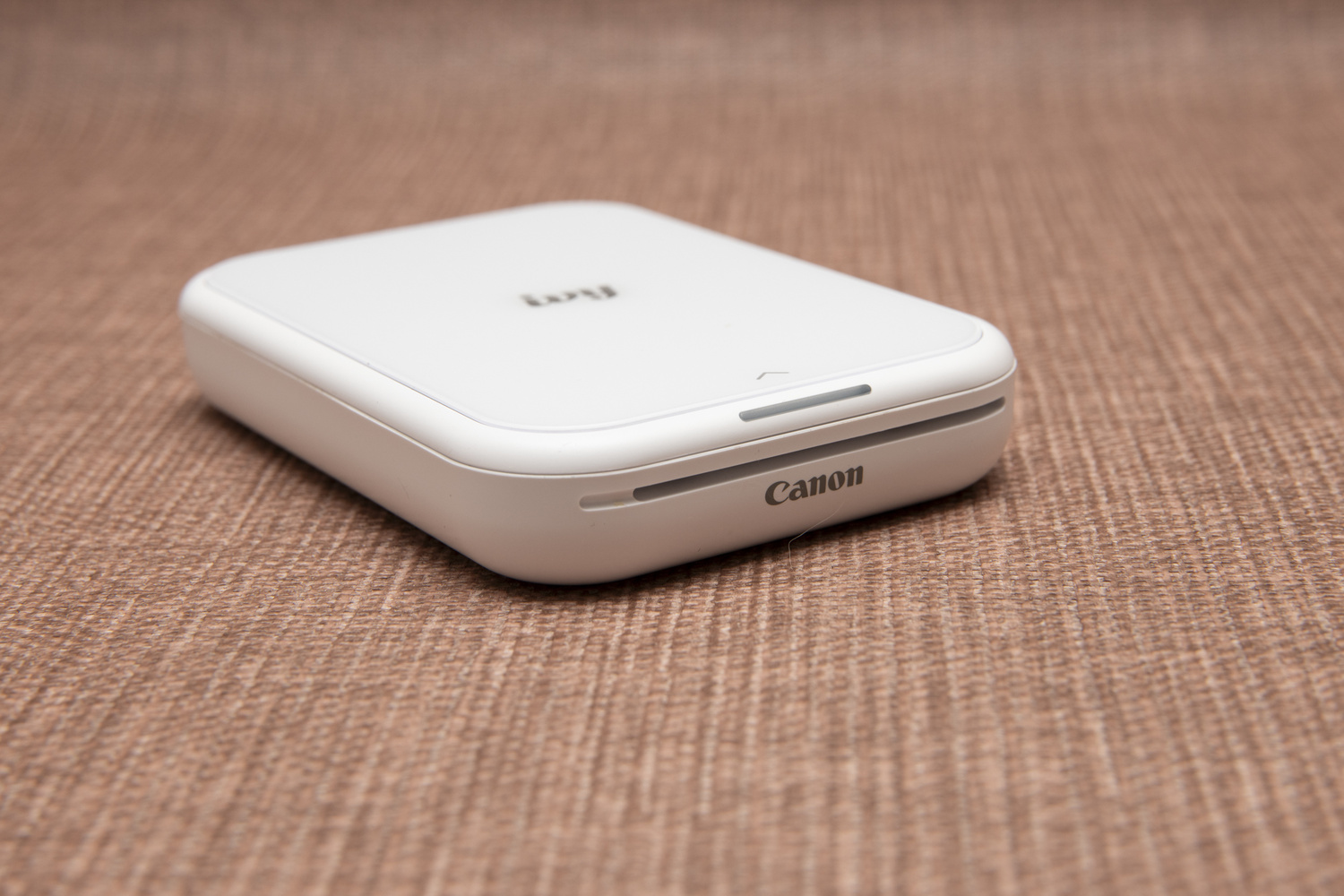
Battery and Practicality
The Canon IVY carries a built-in rechargeable battery that will typically manage around 20 prints per charge, However, you can still print while it’s charging, which is a convenience for periods of heavier use.
Prints take less than a minute from start to finish, and the app shows you the progress live as the print comes out. While this isn’t the fastest, it’s part of the experience. A few moments of anticipation, waiting for your digital image to materialize, is worth it.
Costs and Consumables
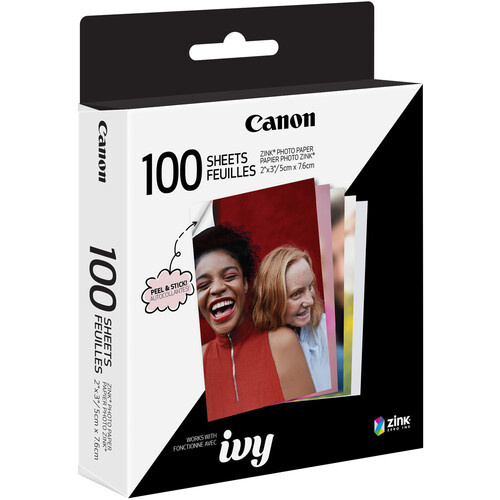
First, you never have to buy ink to run this printer. While the ZINK paper itself is more expensive than standard photo paper, the savings from not buying ink can still help offset that cost. For what it offers, I find it worth stocking up on the 100-sheet packs for better value over the 20-sheet packs.
Canon also offers sticker-back versions of its paper, which is great for crafting, gifting, scrapbooking, or even for photographers looking to add small branded labels on physical photo products without buying in bulk. The round mini stickers are a cute touch and worth investing in as labels for customer orders (for professional photographers) or as custom reward stickers for kids.
Who Is This Printer For?
This simple printer is quite versatile and will appeal to a wide range of users. Forget aiming only at photographers—this printer works for casual photographers who are working on creative projects or printing for the fun of it. The Canon IVY is a great companion during events and while traveling. It will also appeal to younger users who enjoy the instant gratification they’ve grown accustomed to, but even as a not-so-young adult, I’ve genuinely enjoyed curating a menagerie of tiny prints and stickers. The IVY has given me a reason to print again, which is always a win in my book.
Final Thoughts
The Canon IVY printer exists somewhere between novelty and practicality. Of course, it doesn’t replace professional printers or photo labs, but it isn’t trying to. Instead, it turns everyday moments into physical keepsakes, offering a fun and creative photo-printing experience that’s easy to love. Would I recommend it? Absolutely—especially if you’re someone who values printing as much as I do. If this kind of printing nudges you into shooting more intentionally, a quick refresher like Photography 101 can help you get more consistent results.




 English (US) ·