.png)
 4 hours ago
7
4 hours ago
7
It seems that there are new iterations of cameras released almost every second week—some new, and some with slight tweaks—but what happens when a camera system itself is unique? How can this be updated and improved from what is already quite niche? Let’s take a look.
A Growing Market of 360 Cameras
There has been a lot of noise in the camera market over the last number of months about this whole 360-camera revolution. Insta360 was first to market with this technology and has since released improvements to a platform that is specifically theirs. In parallel to this, we have seen GoPro enter the market and, most recently, DJI aim to take their share. So how does Insta360 fend off this competition, and how do they improve on their user experience without changing the mold?
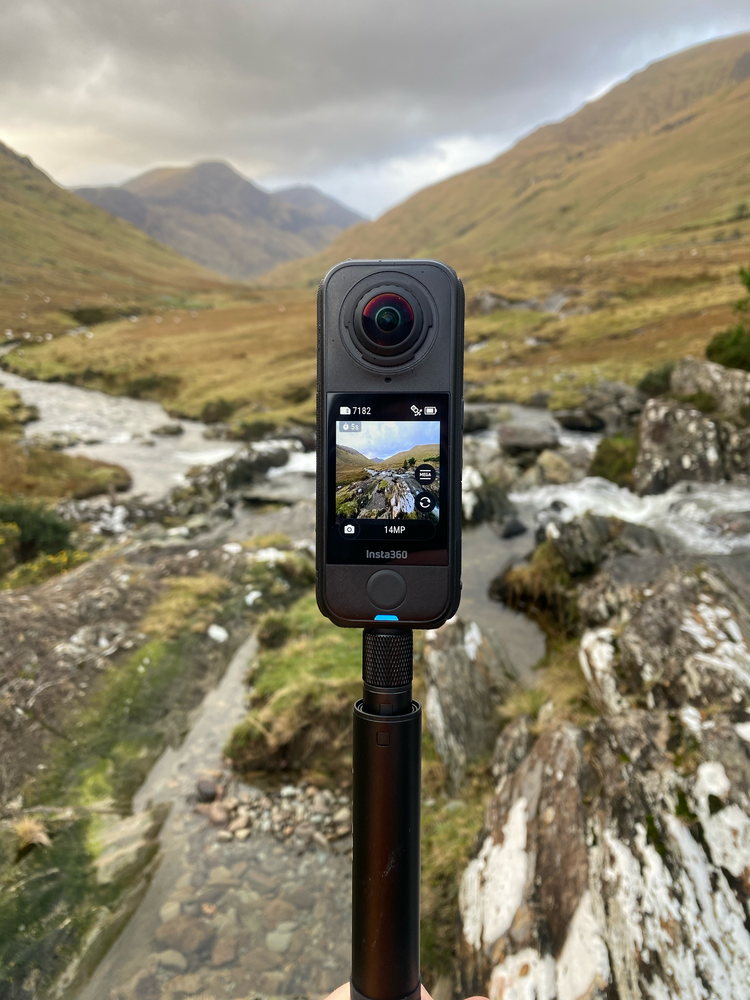
Enter the ring: the Insta360 X4 Air, a small, light camera with some flagship features but not at a flagship price. Leaning on the successes of the Insta360 X5, Insta360 has released the X4 Air to close up any potential gaps that others might try to exploit, I feel. However, not only have they introduced an interesting camera, but they have also positioned it in a sweet spot as far as pricing goes.
Key Features and What’s Missing
The Insta360 X4 Air has many of the features users may have been accustomed to in the X4 or even the X5 flagship, making this a good all-arounder for someone who wants to capture everything around them.
- It is missing a couple of flagship features, like PureVideo, which is Insta360’s answer to low-light mode.
- It also uses smaller sensors than the X5, with 1/1.8-inch sensors compared to the 1/1.28-inch sensors on the X5.
- However, it still delivers an impressive 8K video output, which is notable in a camera that weighs just 165 g.
8K video might seem like overkill to many. After all, having the ability to shoot 8K footage may only be for a select few. However, given that this is a 360 camera where you record everything and reframe in post, having those extra pixels is designed to give you more flexibility when it comes to selecting which angle of the 360 video you want to use in your edit.
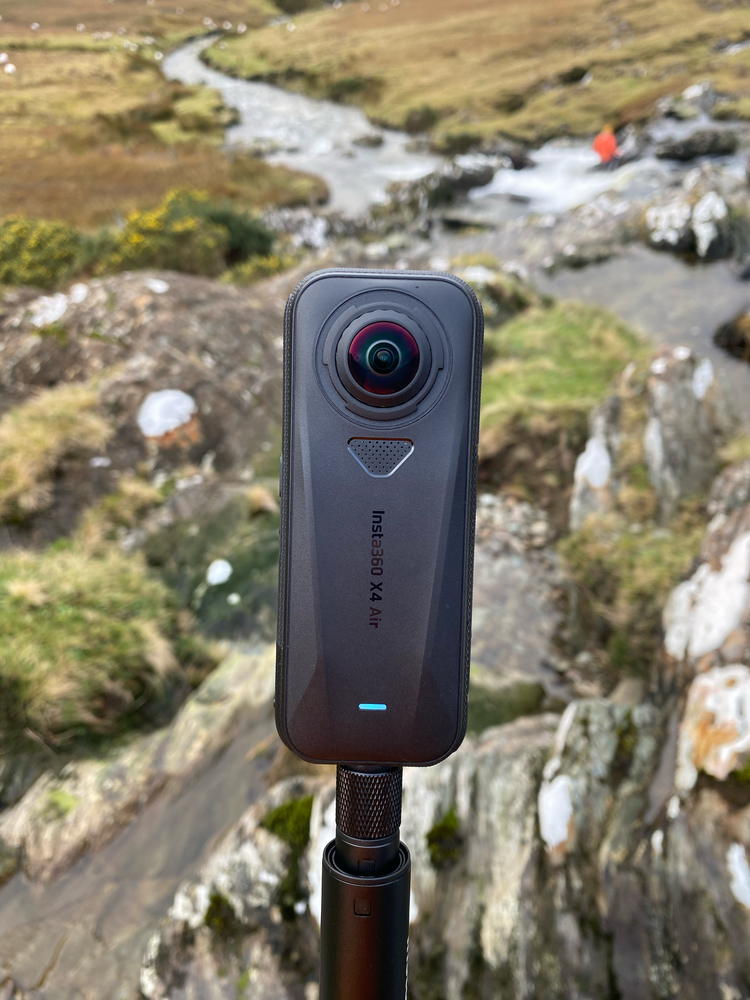
I had the original X1 back in the day, and while I felt that it would be feature-rich, I found that the additional steps needed to create a video from the footage weren’t quite worth the effort. The resolution also never held up to my satisfaction. This version promises to capture better resolution, but editing the footage still needs some additional steps. There is, however, an improvement in the X4 Air that might make this much easier. You can now select which camera you want to use and record that footage itself, which makes for easier transitions in post to the usual footage. With the additional software enhancements that help mitigate the normal curved horizon that comes with this wide angle shot, it also saves you time in post. Well, in theory anyway—more on that later.
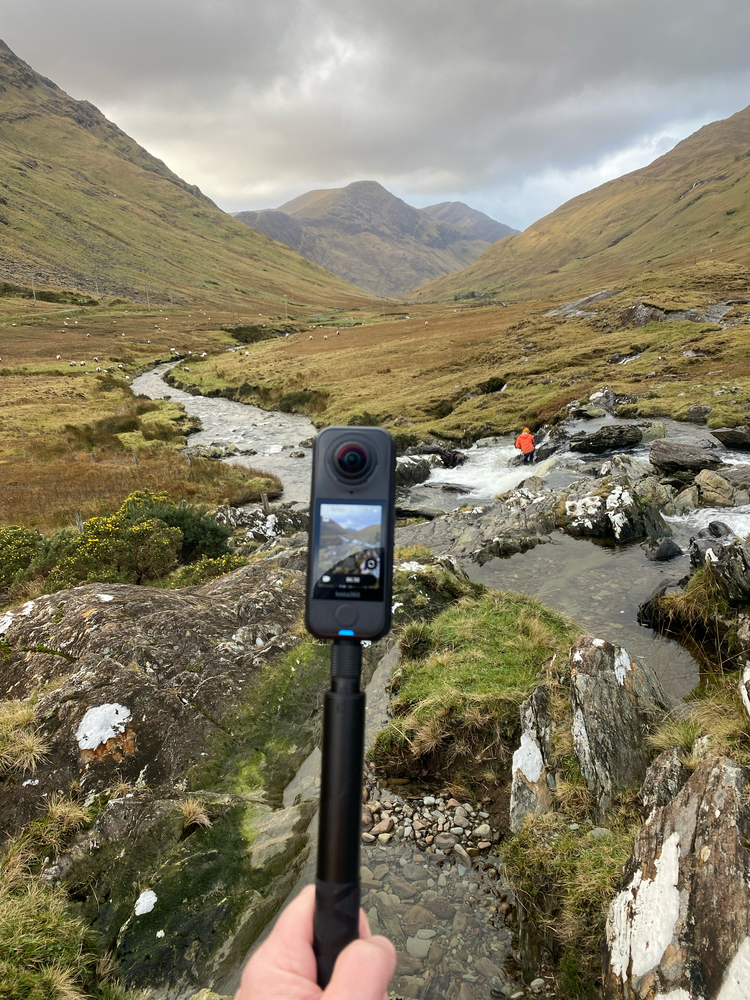
When I also had the X1, I found that it was very difficult to find a place to put it down. Regardless of what side it was placed on, the lens itself was touching the surface, resulting very quickly in a scratched or blemished lens, rendering the camera footage useless if you wanted to use the part where that scratch was facing. Thankfully, Insta360 recognized this, and in recent iterations, they added the ability to remove and replace the lens with a simple-to-use kit. The good news is that this has also transitioned to the X4 Air model. A lifesaver for many, I feel, and something that was badly needed.
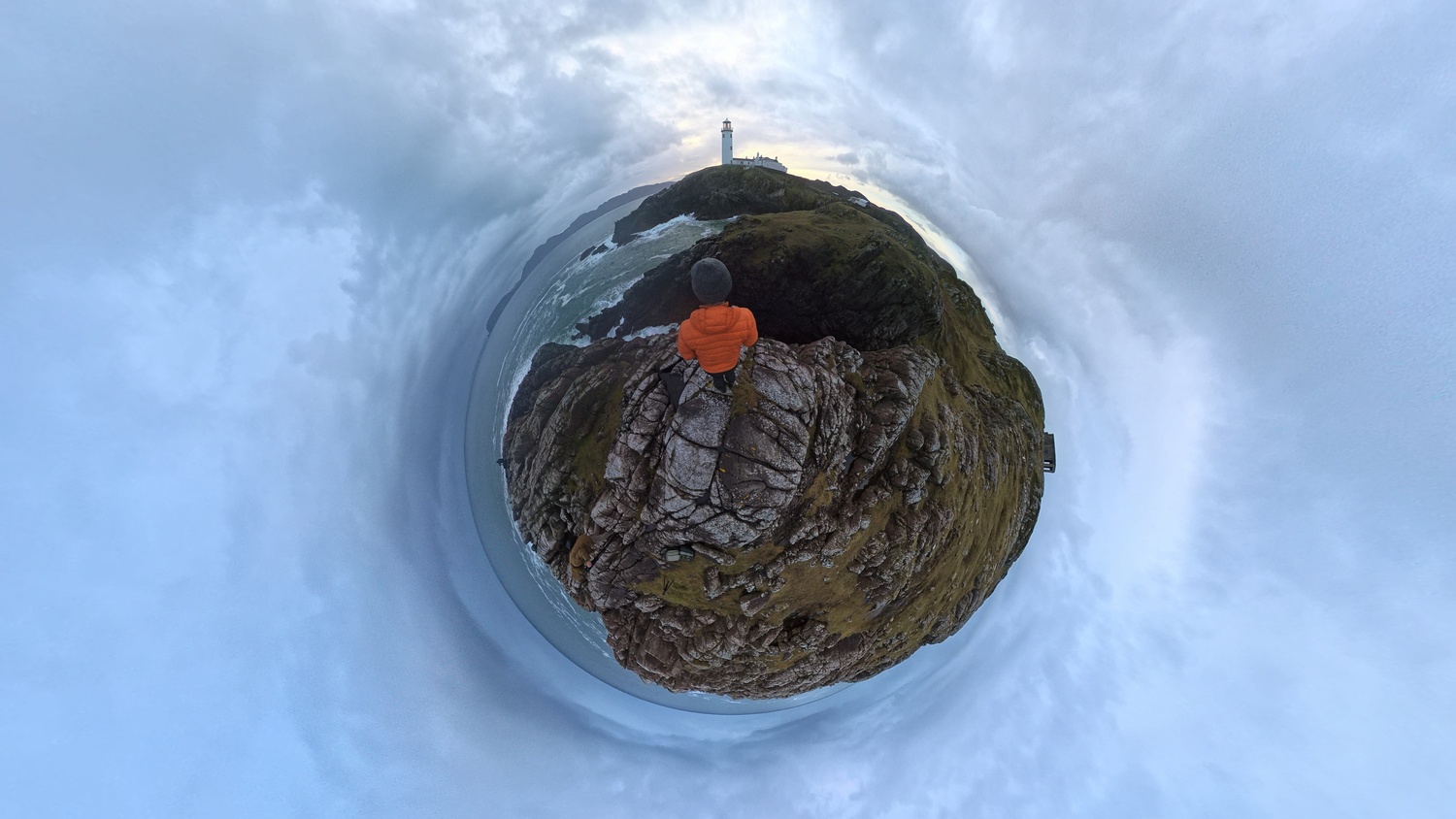
Just like all iterations of this camera, the invisible selfie stick is still there, meaning you can shoot as you wish, and when you review the footage, the selfie stick magically disappears. I’m still unsure exactly how they manage this; perhaps it’s not recording that part of the frame, or perhaps it’s digitally removed in real time. Either way, it’s impressive and lends itself to a better user experience overall. The X4 Air is also waterproof out of the box to 49 ft (15 m), which is great for users who want to get in the water and capture water sports from every angle imaginable.
Real World Use
The footage from this camera is impressive. It seamlessly captures everything, allowing you to choose what angle you want when putting the footage together. This has a number of advantages. You can essentially use the same file multiple times and show different angles from the same moment in time—something I feel at least doubles your footage from any given shoot. However, regardless of this advantage, editing the footage still requires additional steps to get the output you need. Despite this, the user interface in Insta360’s app has greatly improved, allowing you to get to the footage you want a lot quicker than before. It also has some impressive AI that helps you find the most important action from footage, which you can decide whether to use or not.
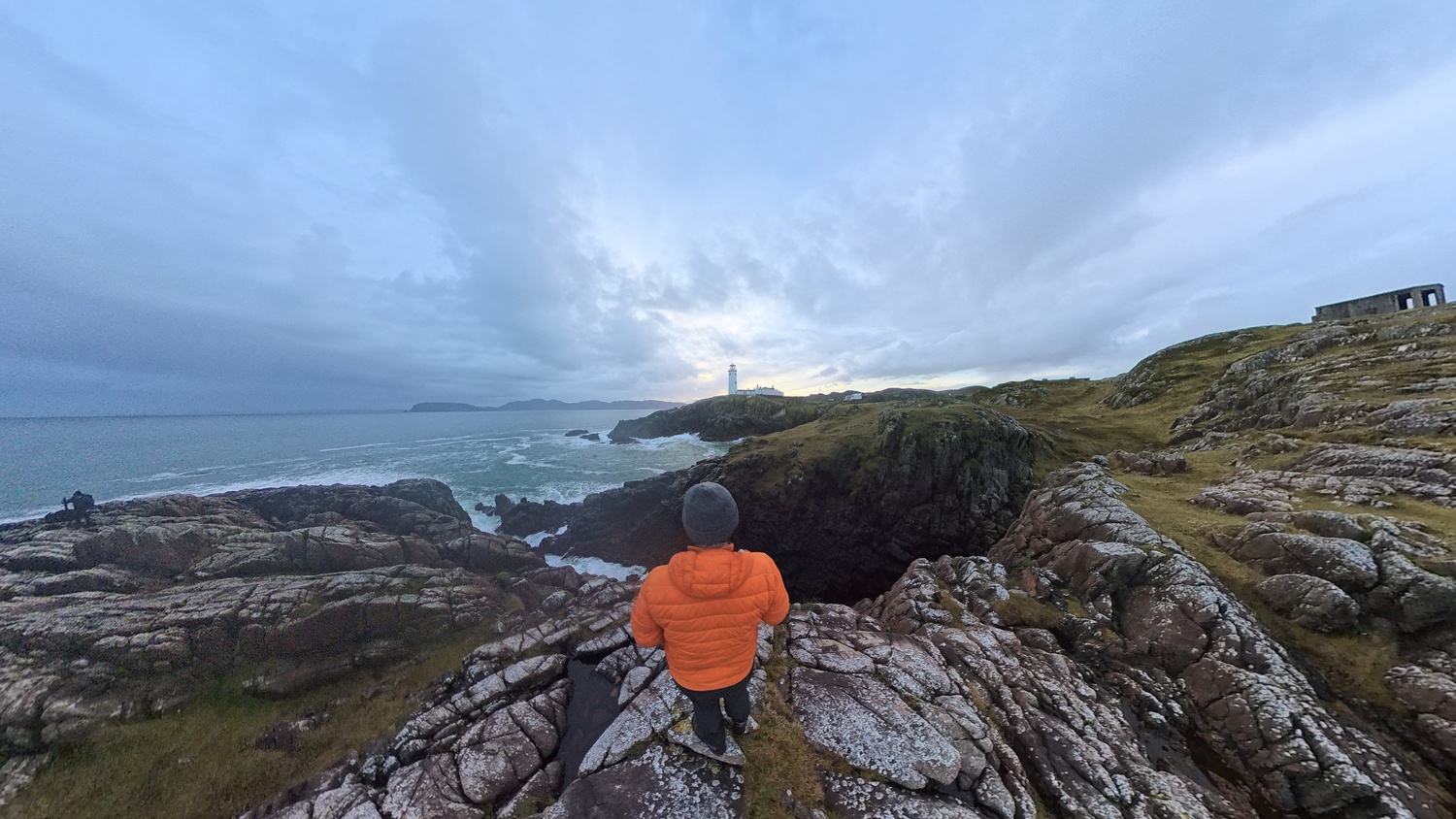
Audio is also good, with multiple mics capturing the sounds you experience—great for ambient shots. It is Bluetooth compatible, perfect for crisp audio from a wireless mic of your choice. I have tested it with the DJI Mic Mini, and it connected without issue. Wind suppression is also good, plus you have the option to add a mic shield to reduce wind noise even further if needed. Overall, audio is quite robust and produces very usable files.
Who the X4 Air Is Actually For
If you can do without PureVideo and you’re not using this camera for stills, then this version of a very robust camera system will cover all your needs and more. It’s not quite flagship quality, but for what you get in the size of the unit, the features that are packed into the software, and all at a price that seems to sit in that sweet spot, then perhaps this will be the camera that either brings you back into the Insta360 world or is the introduction you needed.
A niche camera with quirky use cases that will appeal to a niche market, but it does what it needs to do well, and this positioning seems to make sense.






 English (US) ·