.png)
 2 hours ago
1
2 hours ago
1
There is a lot to hate about Samsung's "The Frame" TV, but It's still my favorite TV of all time.
The entire idea behind The Frame is simple. When the TV is off, it turns into a piece of artwork instead of a black rectangle. Samsung uses an ambient light sensor to automatically adjust brightness and color temperature so that the screen matches the lighting in your room. In theory, it should look like a framed print on your wall, not a glowing display.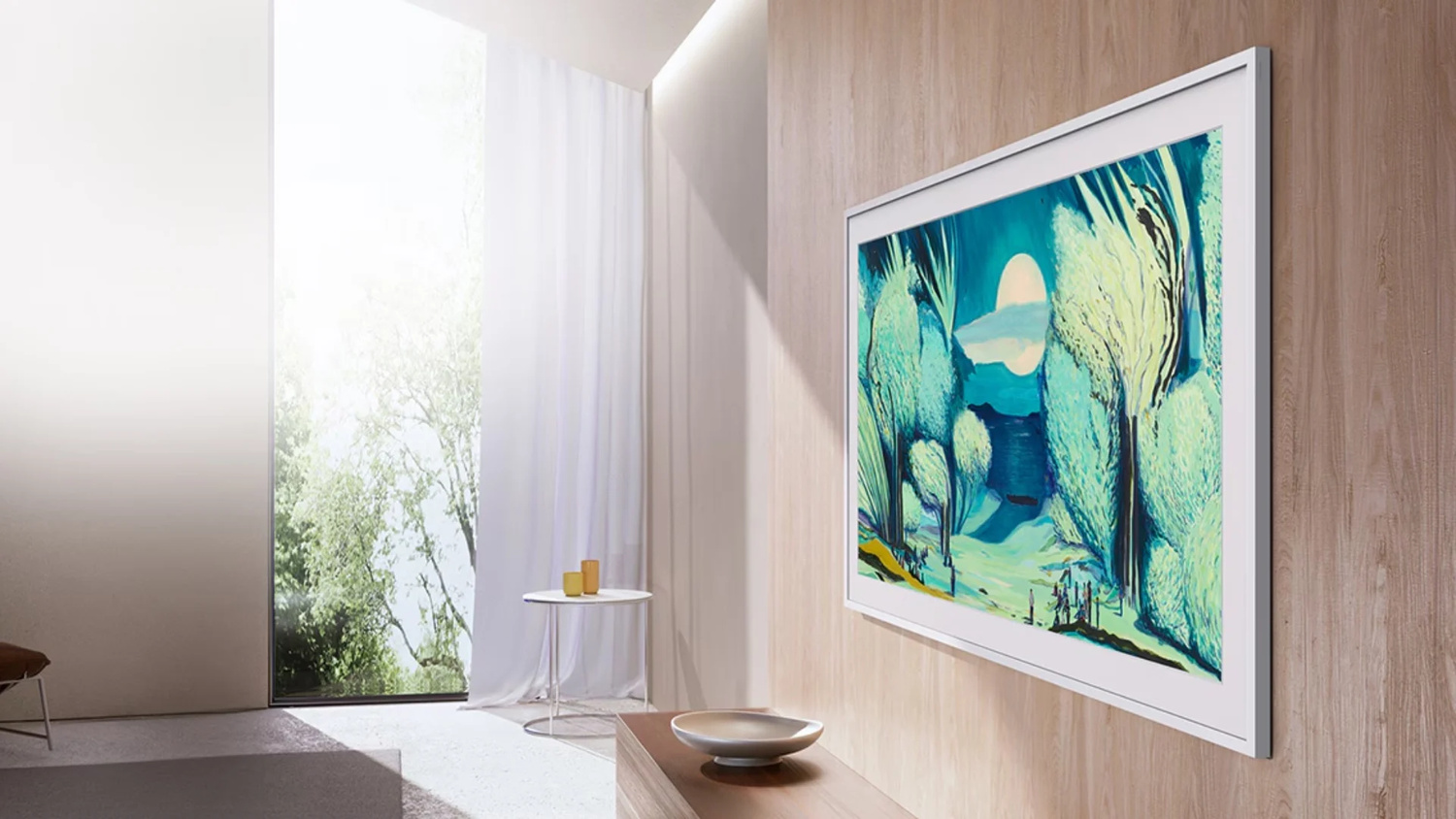
When it works, it is shockingly convincing. Guests regularly walk into my living room and assume it is a real framed photograph. When it does not work, it looks like a dead TV with a dim image on it or a glowing TV in a bright room, which is exactly what drove me crazy on my older model.
The big visual upgrade in recent models is the matte screen. You can instantly tell the new version from the old one. The older TVs have a glossy finish that reflects windows and lights. The new model is nearly reflection free. In a bright room like mine in Puerto Rico with windows everywhere, this alone is a huge improvement.
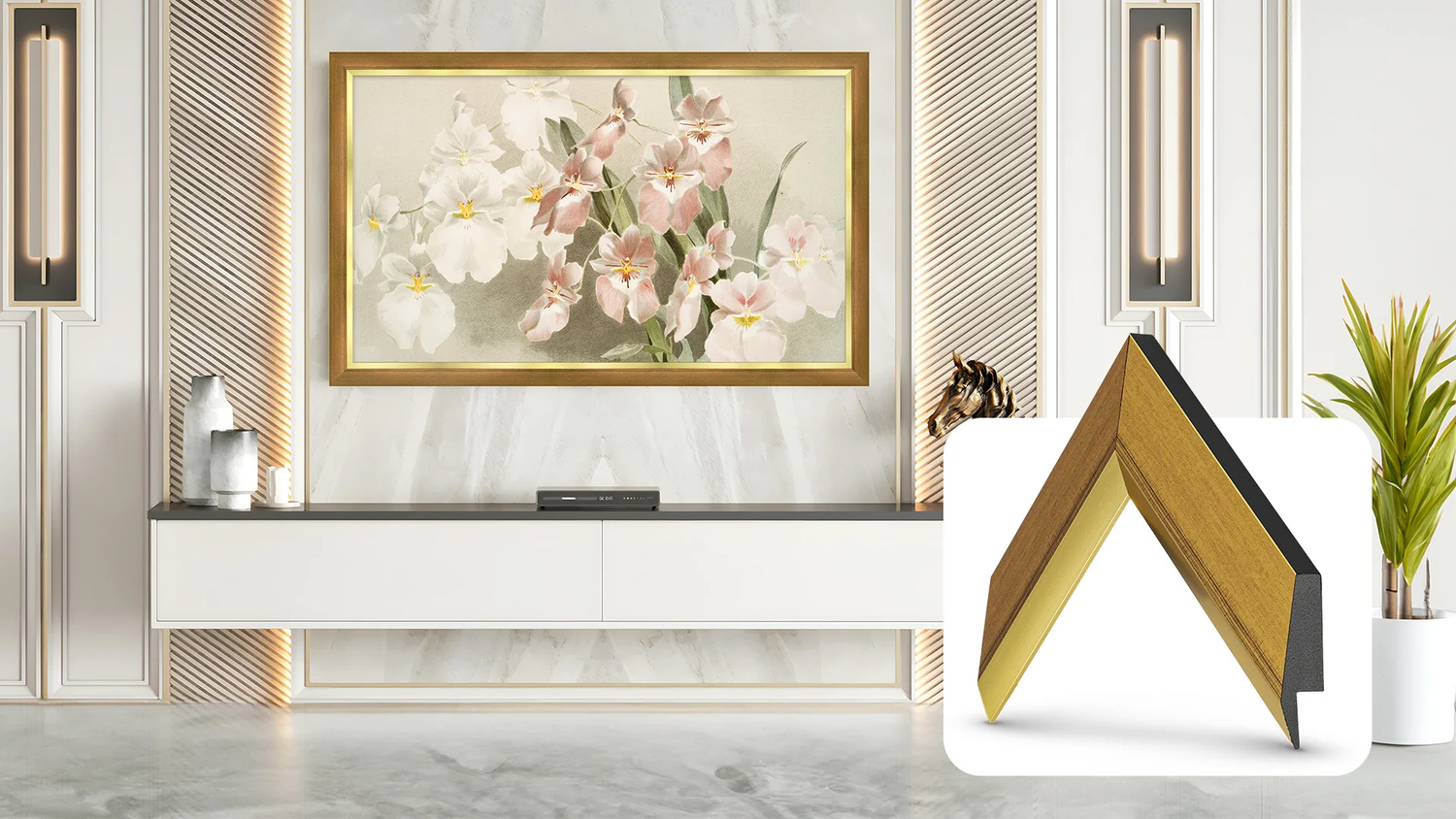
Samsung has also finally improved what matters most for this product: art mode accuracy. On my older Frame, the screen was wrong about half the time. It was either too yellow, too bright, or too dark. The new model is not perfect, but it is much closer. You can now manually fine tune both brightness and color temperature while the TV is in art mode. Once you set it correctly for a certain lighting condition, the TV learns from it and adjusts automatically as the room changes.
One of the most underrated features of The Frame is the One Connect box. All of the inputs, power, and brains of the TV live in a separate box that connects to the display with a single thin cable. In most homes you can run that through the wall. In my concrete walls here in Puerto Rico, I just hide it with a plant. It keeps the TV looking like a real picture frame instead of a mess of cables.
Online reviewers love to hate this TV. They are not wrong. It is expensive. The built in software is awful. The image quality is not class leading. Compared to an OLED at the same price, it loses on contrast and black levels. All of that is true.
But here is what reviewers almost never factor in; my television is off about 95% of the time.
I care far more about what my living room looks like all day than how perfect the blacks look during the one or two hours I watch TV. I am a professional videographer. I am extremely picky about color. And even I am willing to give up some contrast if it means I never have to stare at a giant black rectangle on my wall again.
Out of the box, the Frame looks bad. Like many TVs, the default picture modes are wrong. Switch it to Movie mode, go into Expert Settings, and raise the brightness to match your room. Suddenly the image becomes far more natural. No, it is not OLED. But it is way better than I expected and more than good enough for casual viewing.
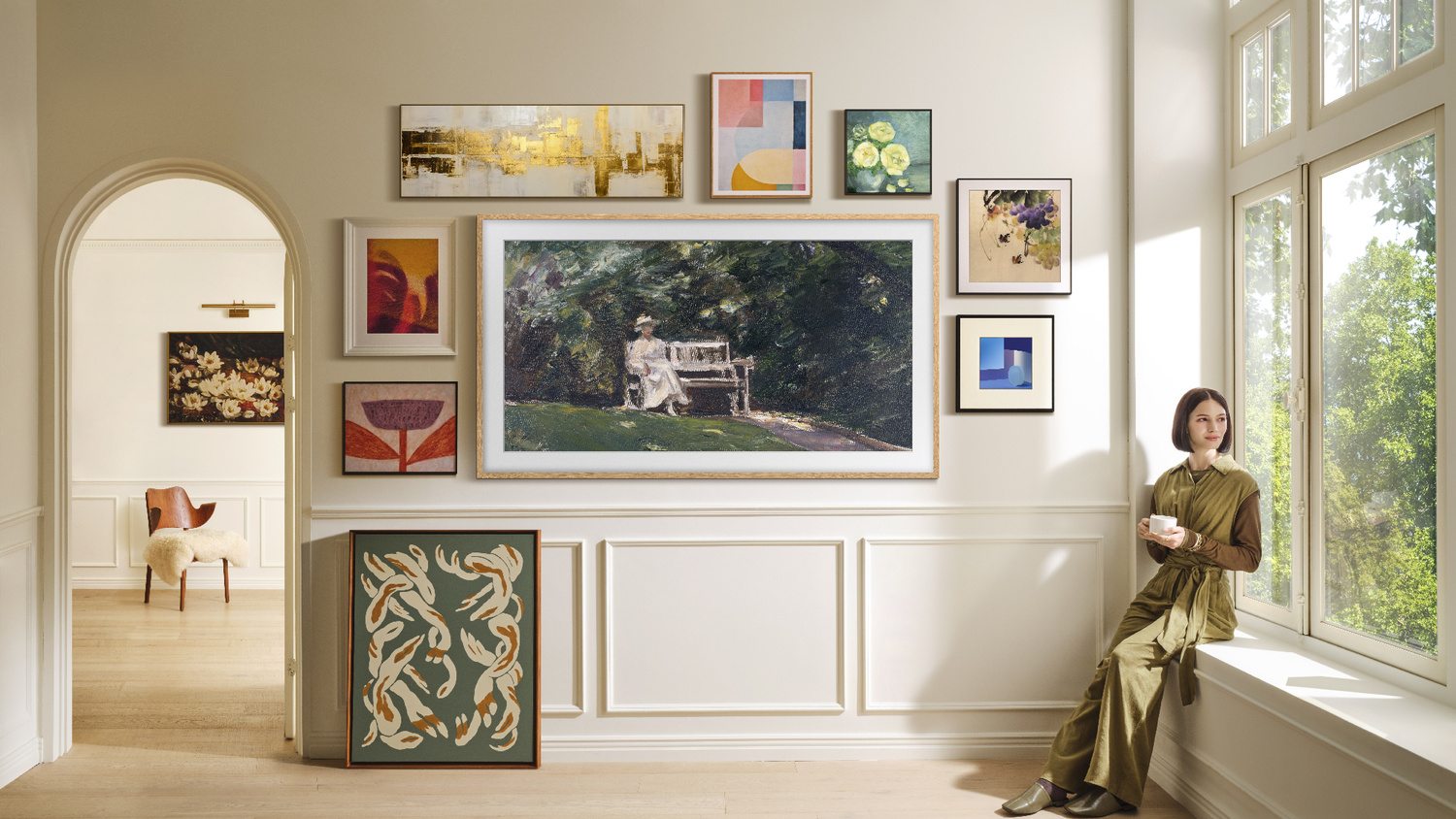
If you actually want it to look like art, there are three things you must do. First, add a digital mat. The Samsung app lets you add a white or colored border around your images. A medium white mat instantly makes it feel like a framed print instead of a TV.
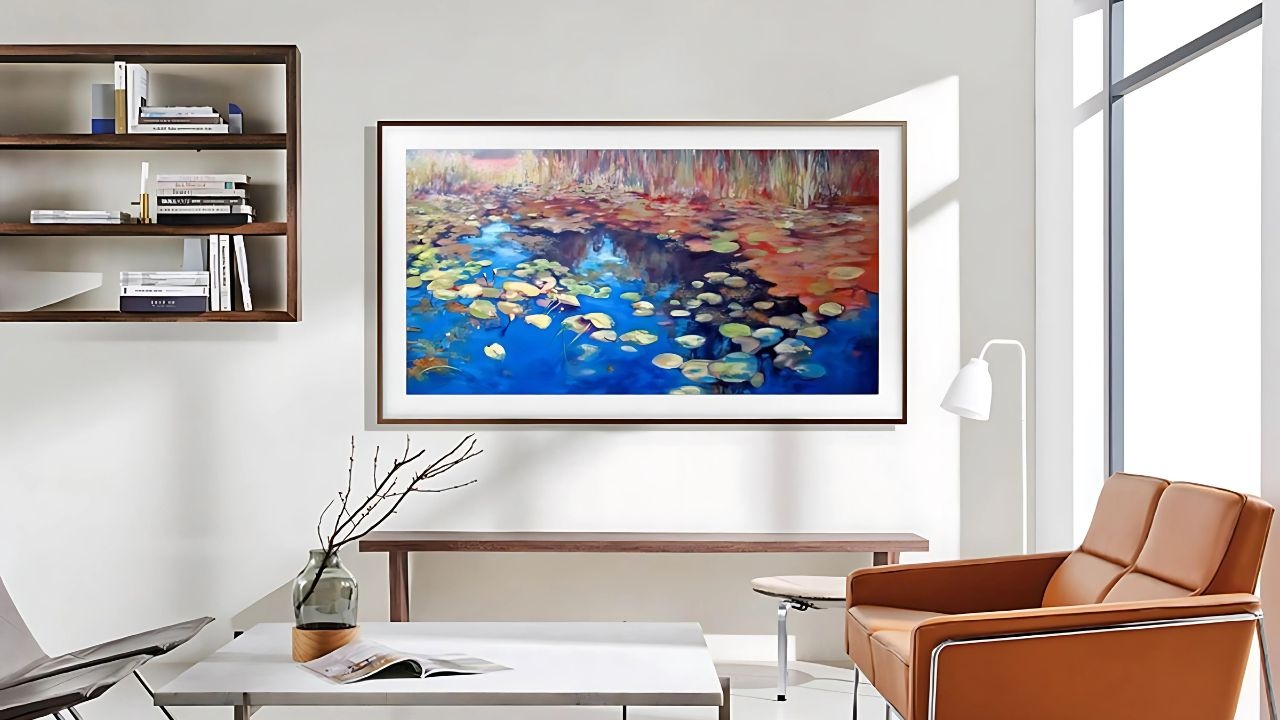
Second, consider black and white artwork. We are not used to seeing black and white content on modern TVs, so it tricks your brain into reading it as a photograph or print instead of a screen.
Third, set up art mode properly. Samsung hides the most important setting in a ridiculous place. You have to go into art mode, scroll all the way down, and turn on Art Effect. That enables the ambient light matching. Then throughout the day you manually tweak brightness and color tone so the TV learns what looks correct in different lighting.
Once you do that, it actually works shockingly well, at least most of the time.
Yes, Samsung pushes a paid art subscription. I ignore it. I am a photographer. I want my own work on the wall. Uploading art through the phone app is slow, buggy, and frustrating, but once you do it, you probably will not touch it again for a year.
The smartest thing you can do is ignore Samsung’s software entirely and plug in an Apple TV. That instantly fixes the lag, the interface, and the reliability. The Apple TV remote even controls my soundbar and powers everything on and off automatically. When you use the Frame this way, it is a great TV.
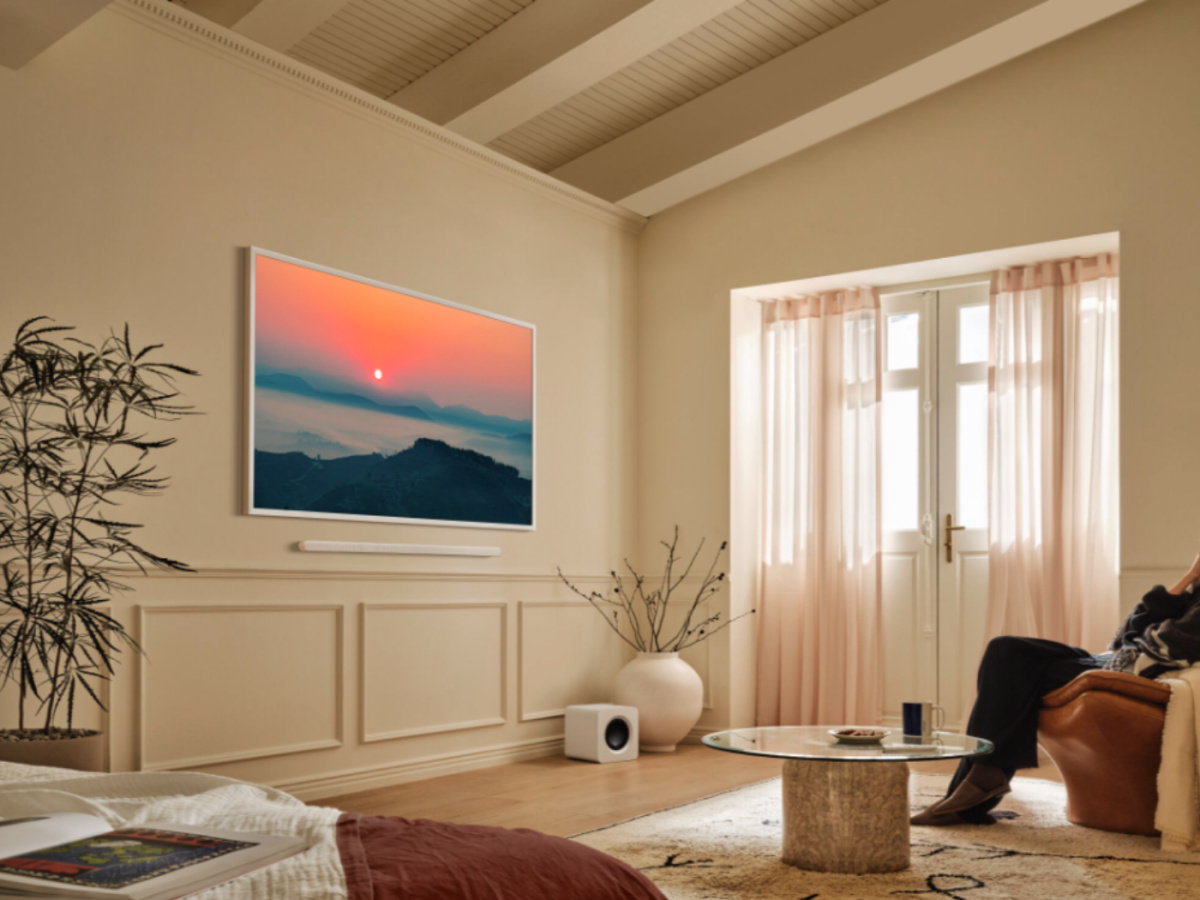
I paid about eleven hundred dollars for my 2025 model during a sale. That is not cheap. But a single large professionally framed print can easily cost more than that. I have an e-ink picture frame in my house that cost $2500 and only does art. The Frame gives me a real TV and a digital gallery for less than half of that.
The matte screen is not perfect. It reduces reflections and makes paintings look more realistic, but it slightly washes out blacks and has worse viewing angles than a glossy panel. In my bright room, it is absolutely worth it. In a dark home theater, maybe not.
Samsung is also making some baffling decisions. For 2026 they have announced they are removing the One Connect box from the standard model, forcing people to buy the Pro version if they want it. The Pro version uses a wireless video link that currently interferes with Wi Fi 7 networks and has been widely criticized. Hopefully they figure that out before they release these new TVs.
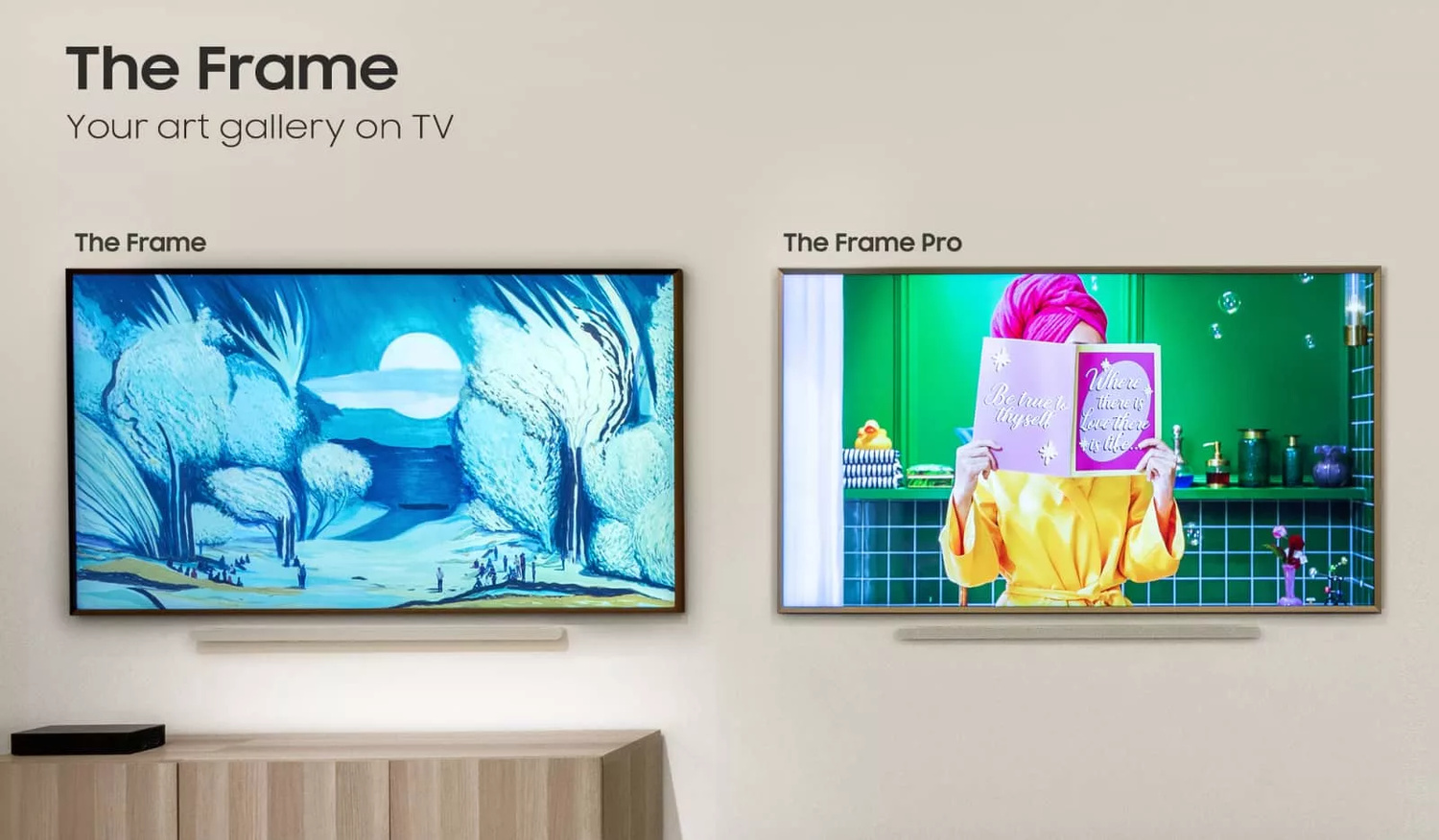
And yet, even with all of this, I would buy this TV again in a heartbeat. It is flawed. It is frustrating. Samsung could make it so much better with simple software fixes. But no other TV changes how a room feels the way this one does. Yes, there are a few other TVs with "Art Modes" but as of right now, The Frame TV is still the best option, but that may not be the case for much longer.
If you care about interior design, art, or how your home looks when the TV is off, "The Frame" should be your next TV.






 English (US) ·